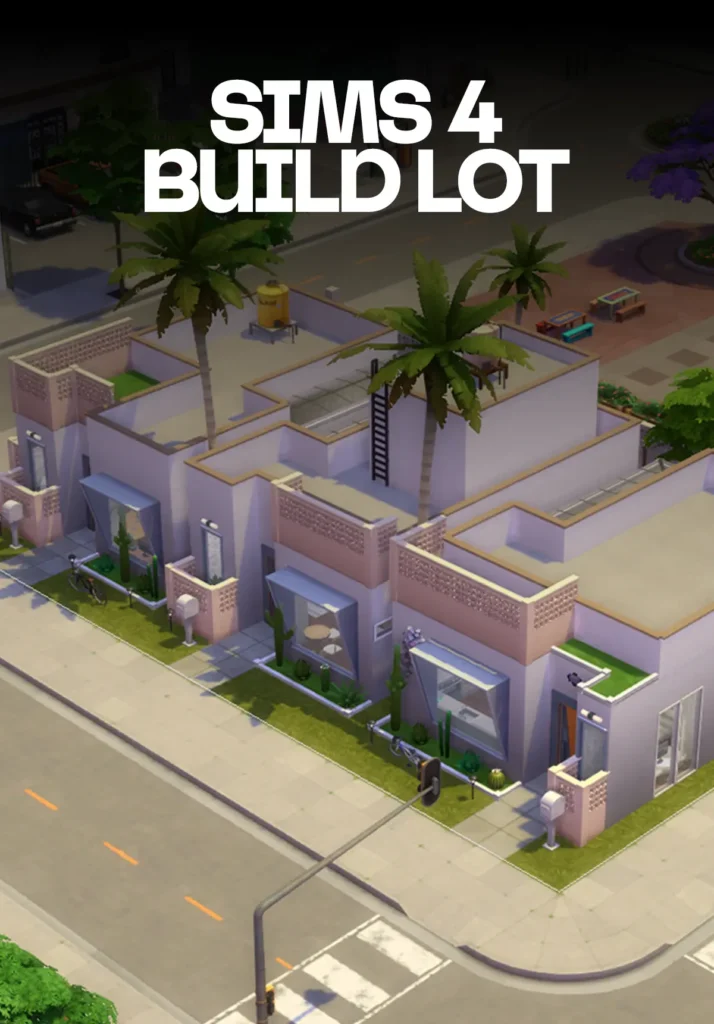
Looking for a ready-to-play Sims 4 build for Ciudad Enamorada? The Temozonte Apartments are a free residential rental lot designed to drop right into your For Rent save.
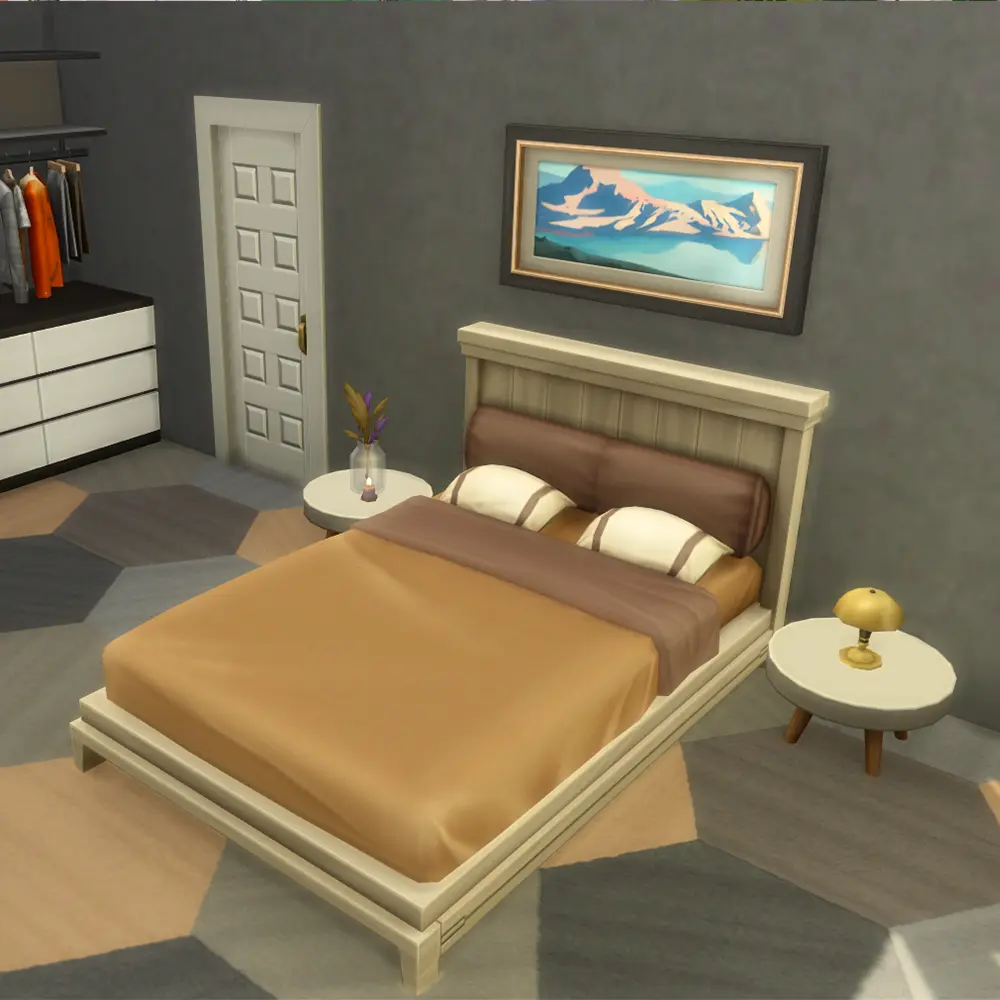
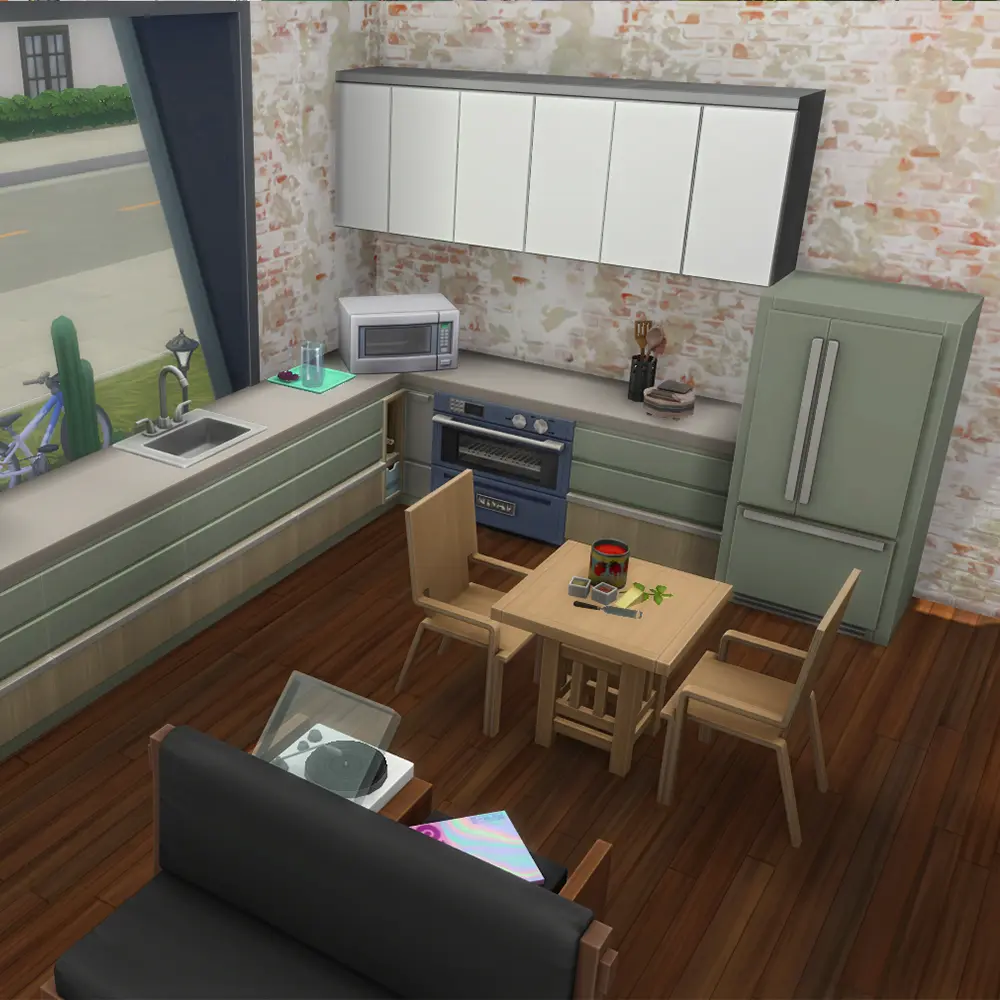
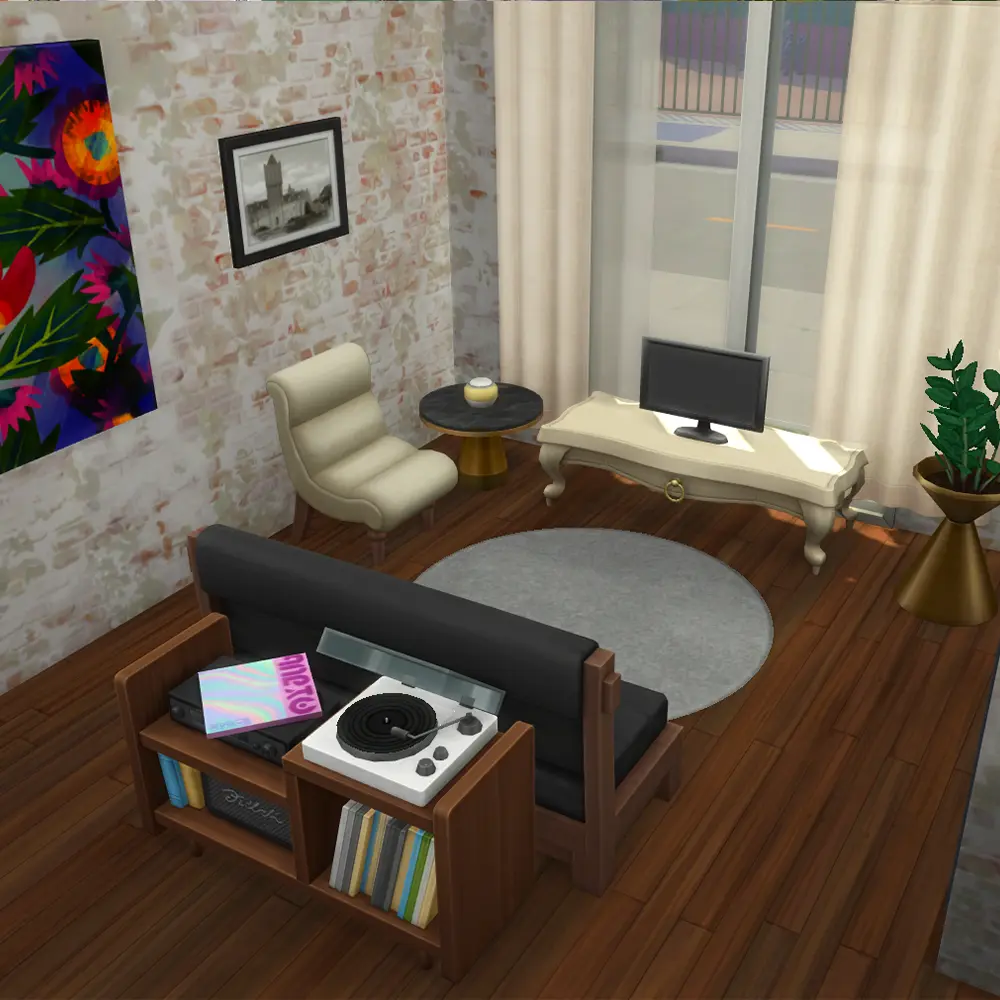
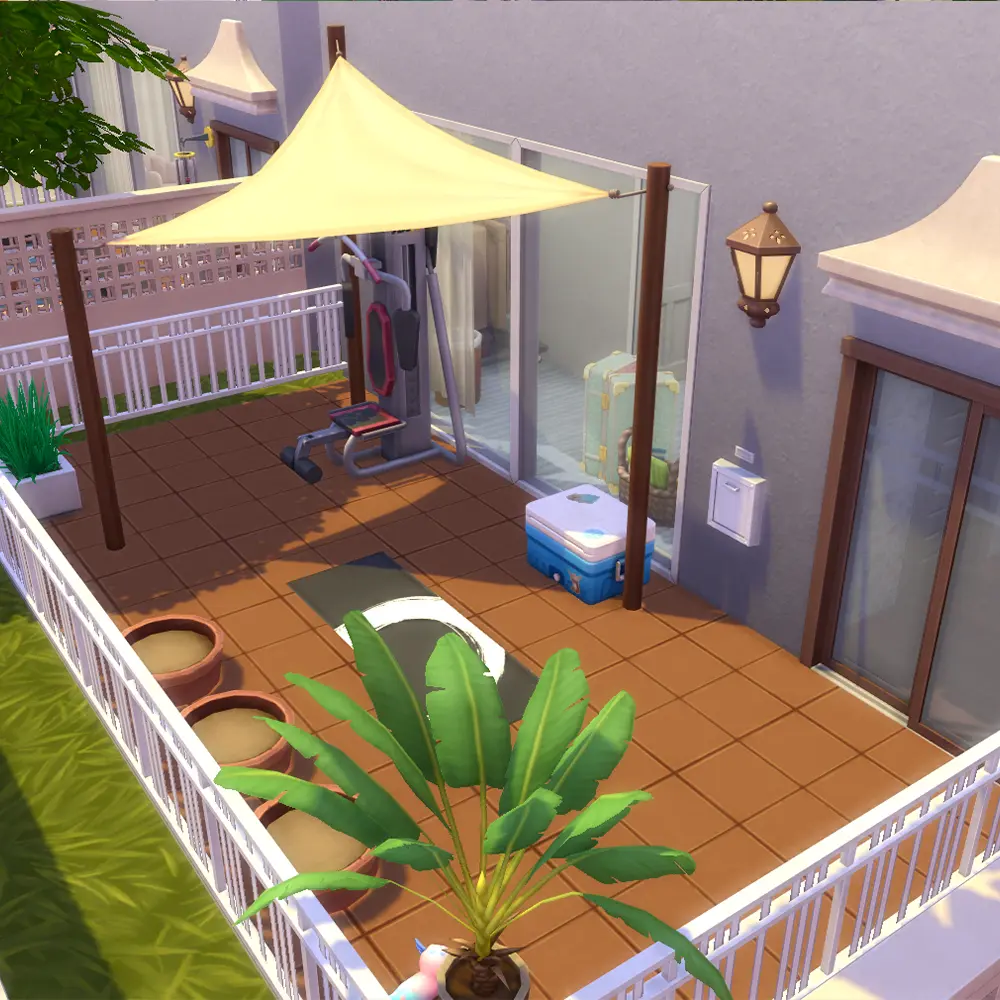
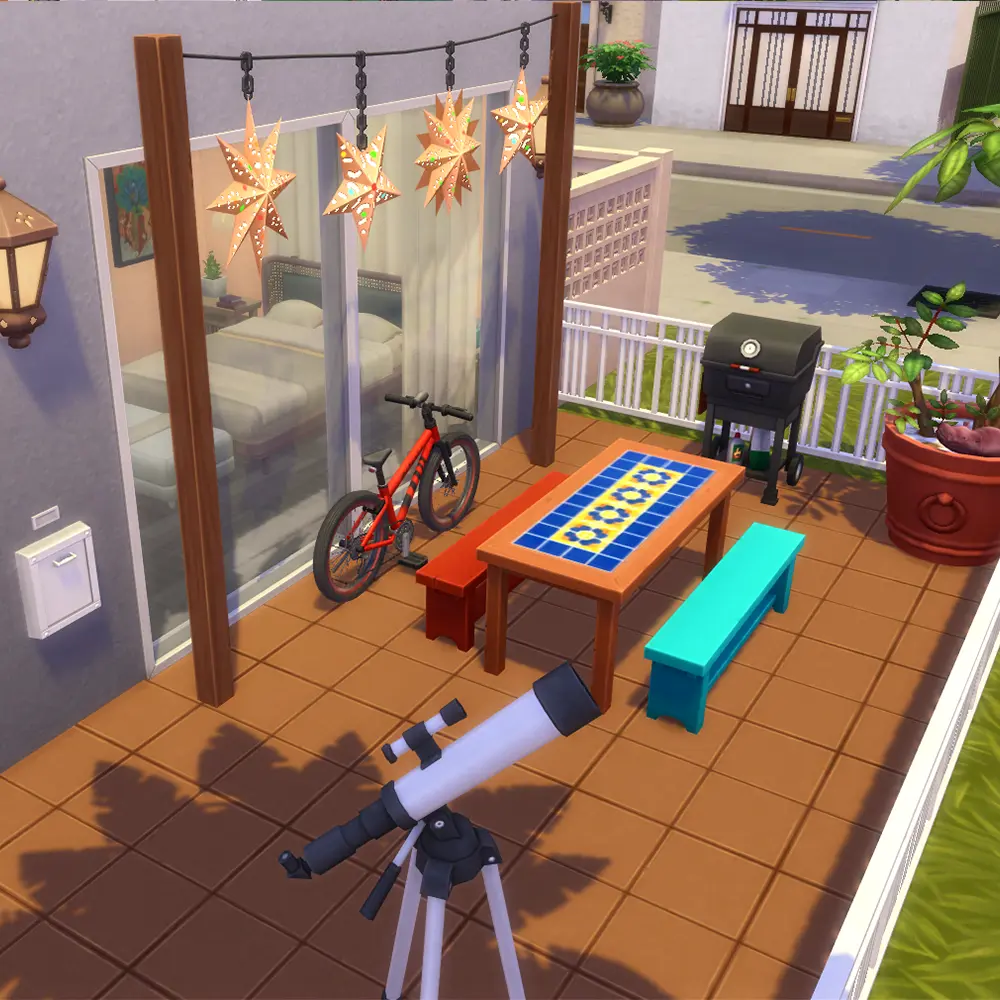
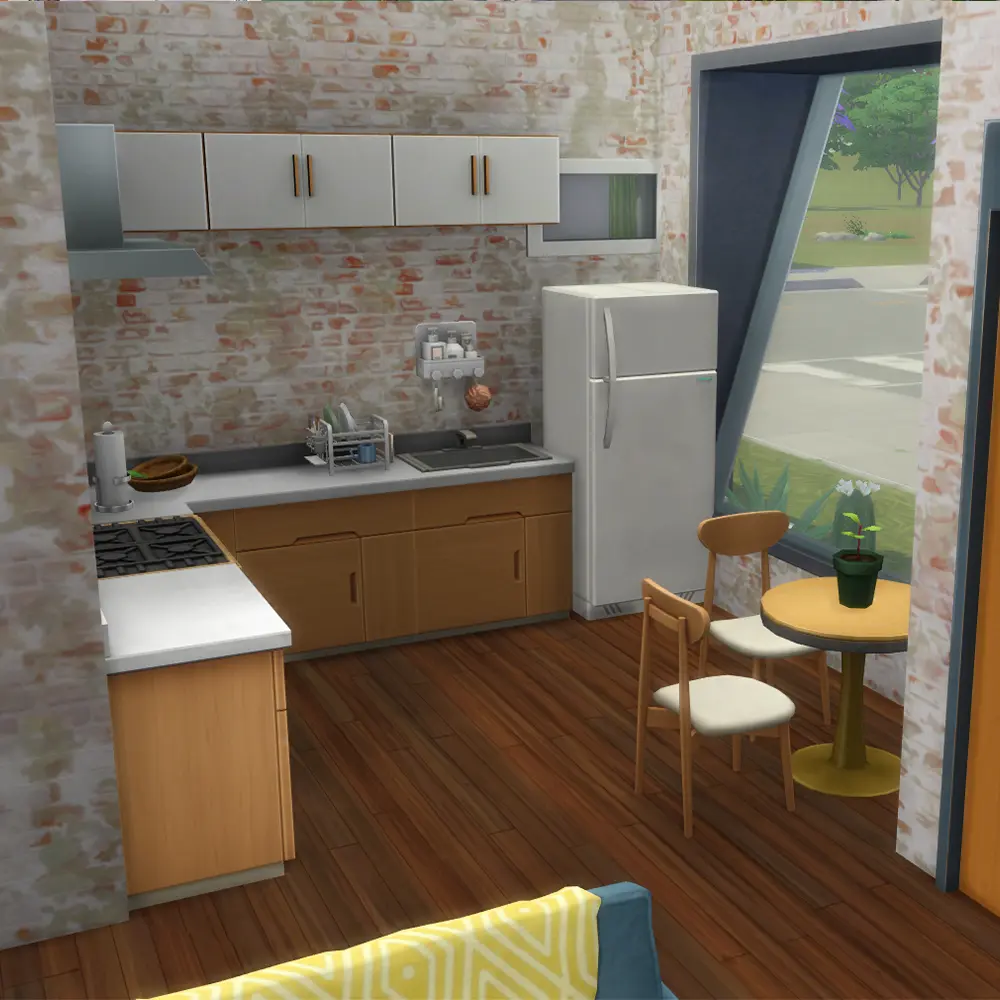
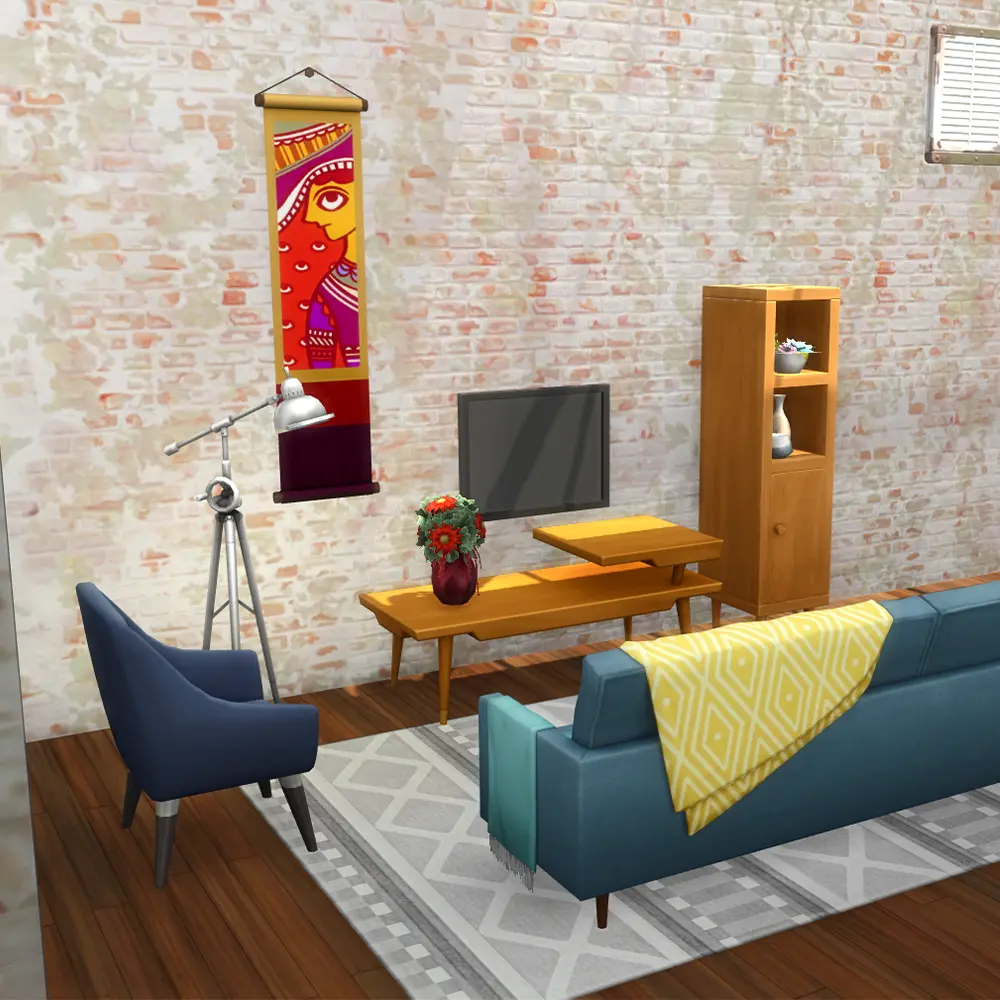
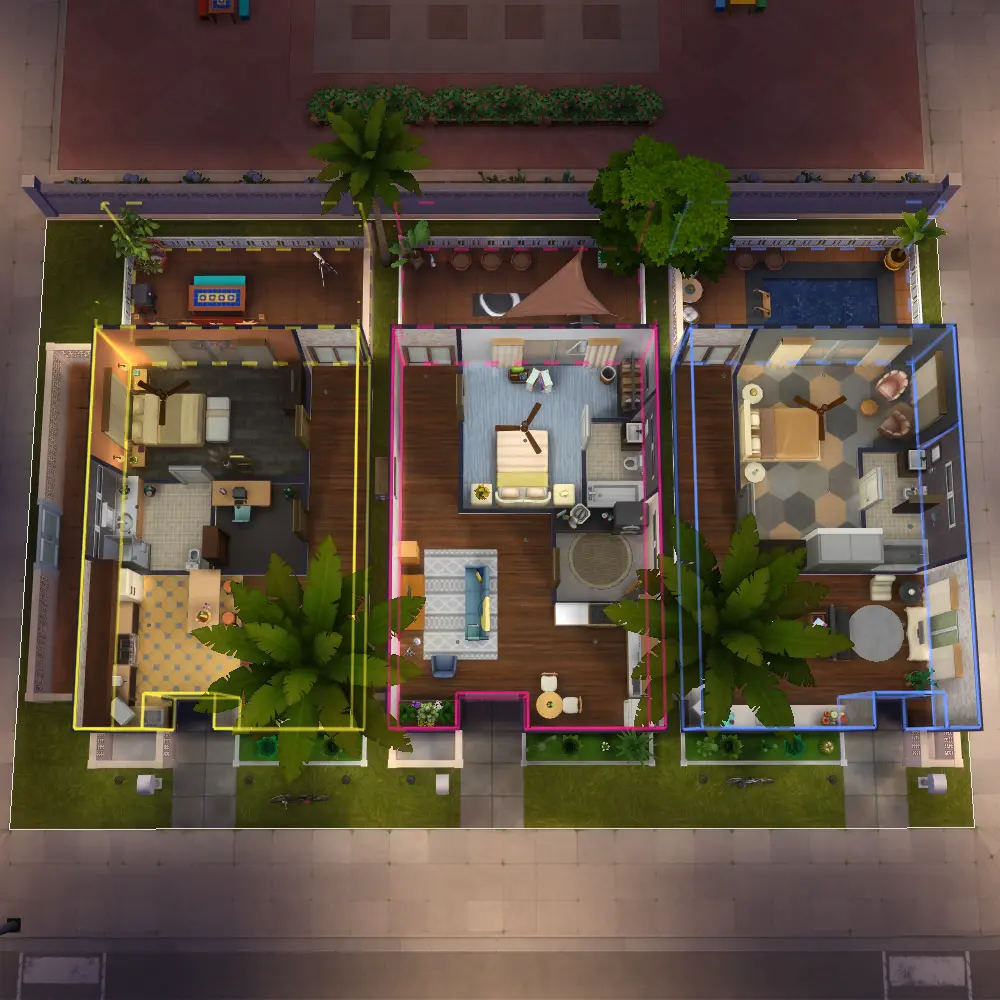
Three fully furnished units. A rooftop vibe. Palm trees. Downtown views. This build has everything your Sims need to live their best rental life in The Sims 4.
Browse all SixamCC builds here.
About This Sims 4 Build
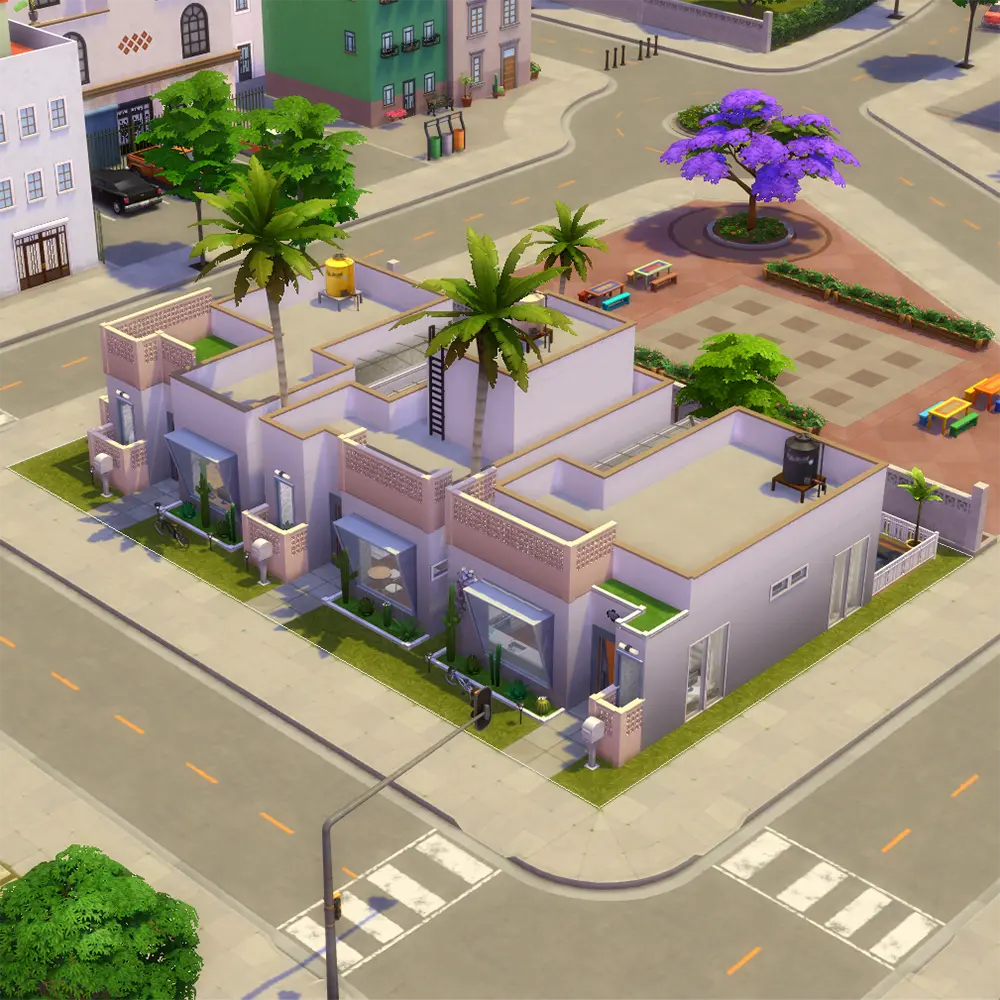
The Temozonte Apartments are a 30×20 residential rental lot built for the Sims 4 For Rent Expansion Pack. Each unit is self-contained and move-in ready, so you can start playing right away without any extra setup.
Here are the build details at a glance:
- Name: Temozonte Apartments
- Size: 30×20
- Type: Residential Rental
- Unit Count: 3
- Rooms: 3 Bedrooms, 3 Bathrooms, 3 Kitchens, 3 Living Rooms, 1 Studio, 1 Pool, 1 Grill
- Find it in the Gallery: SixamCC
This lot is designed specifically for Ciudad Enamorada, the vibrant neighborhood introduced in The Sims 4 For Rent Expansion Pack. The warm exterior palette, palm trees, and open courtyard layout all match the city’s relaxed downtown aesthetic.
What Is the Sims 4 For Rent Expansion Pack?
The Sims 4 For Rent Expansion Pack introduces residential rentals to the game for the first time. You can play as a landlord managing tenants, or as a renter navigating apartment life in the new world of Tomarang and the Ciudad Enamorada neighborhood.
To use this build, you need the Sims 4 For Rent Expansion Pack installed. No additional packs or CC are required to place and play this lot from the Gallery.
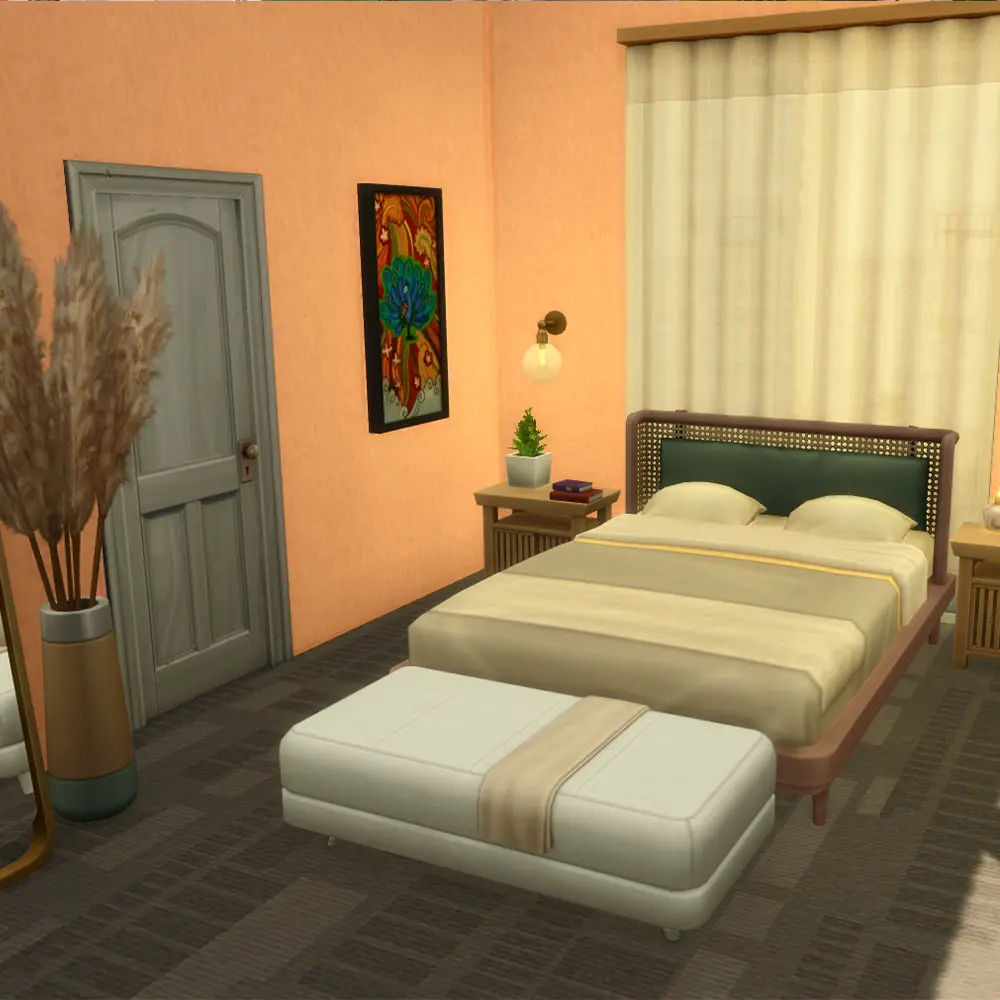
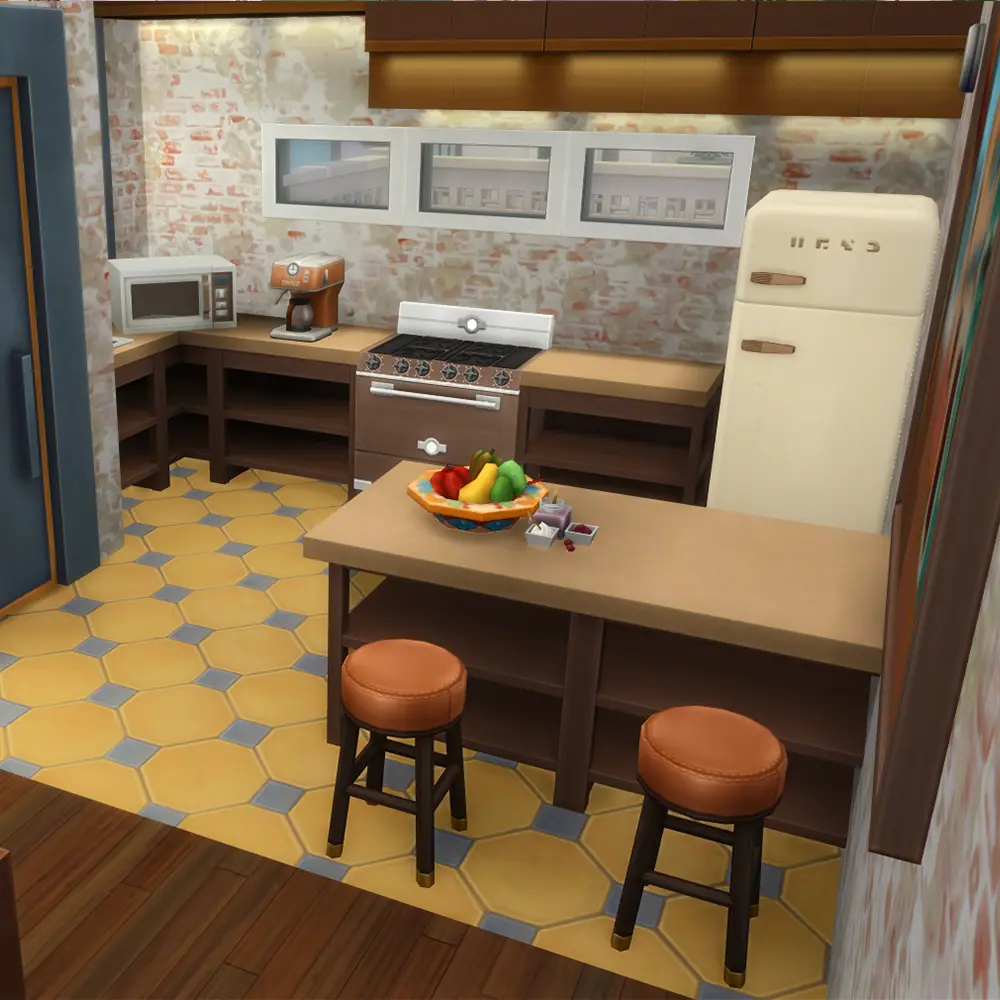
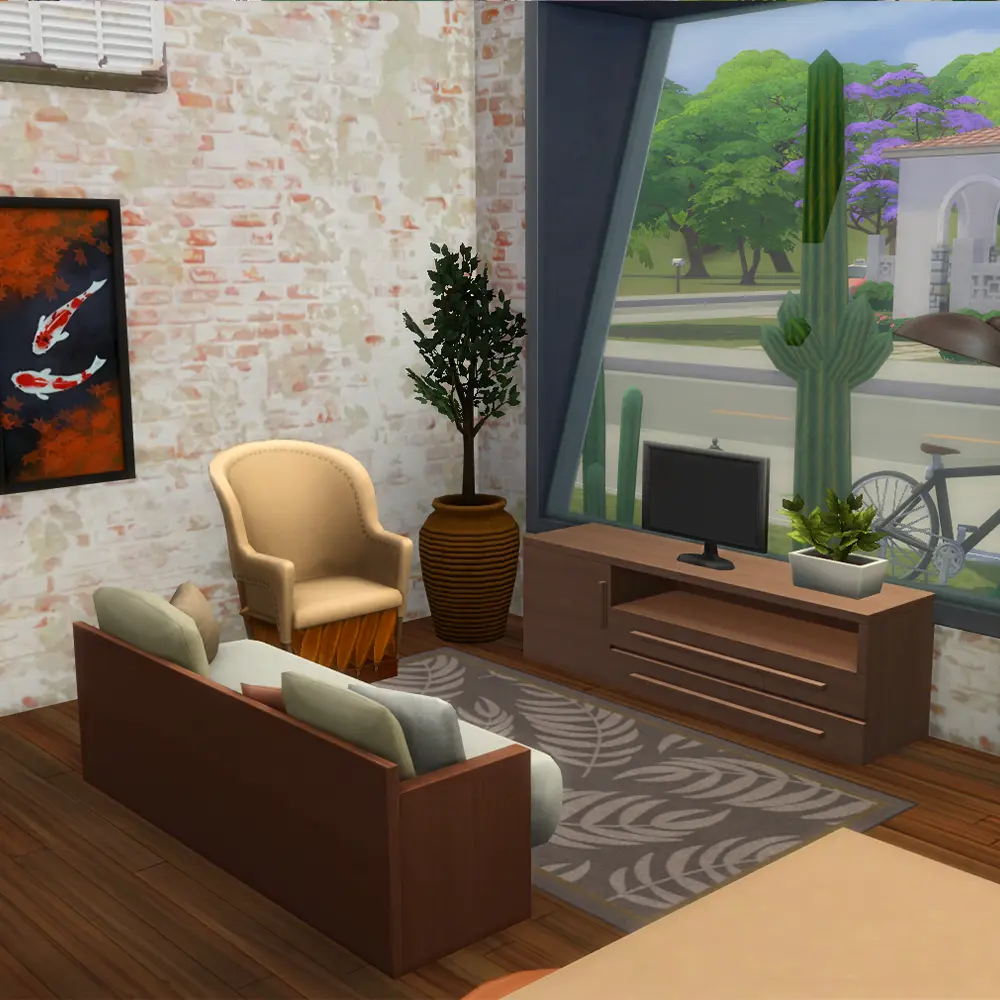
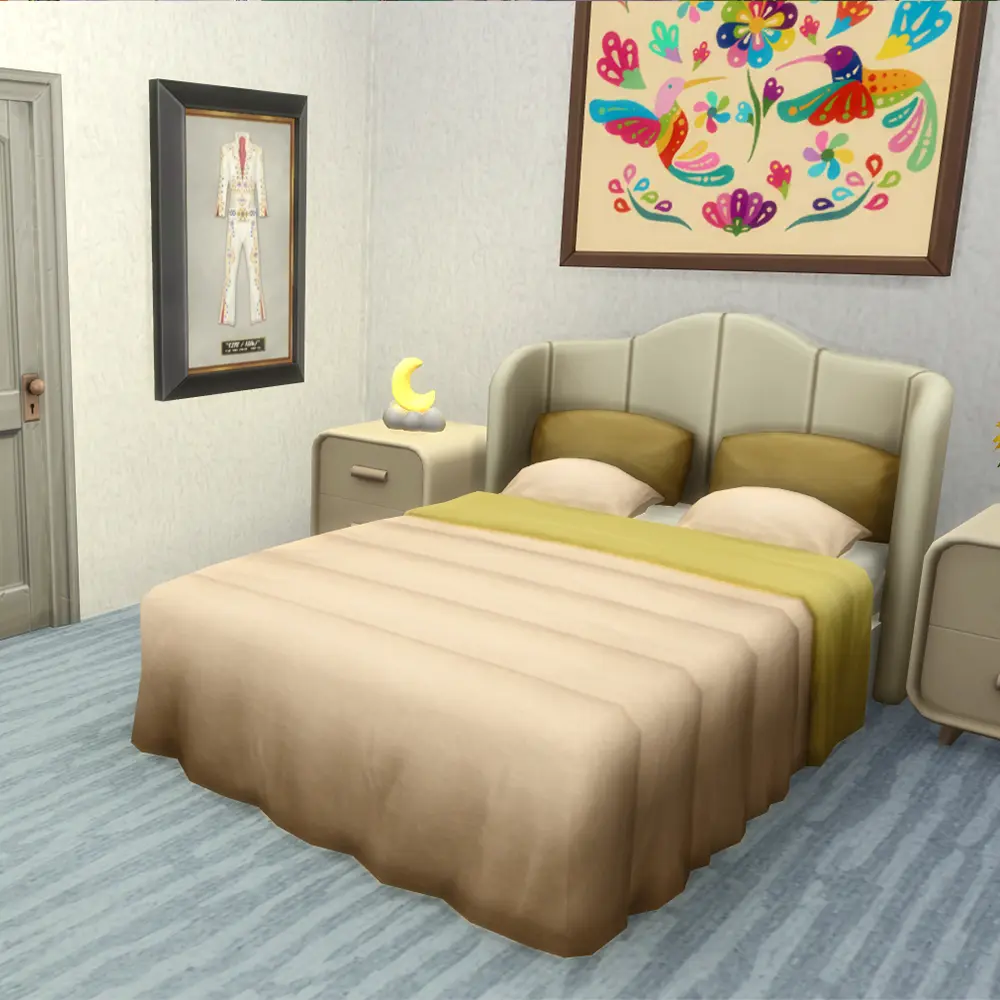
How to Place This Sims 4 Build in Your Game
Placing a Gallery build is quick and straightforward. Here is how to do it:
- Open The Sims 4 and enter Build Mode on an empty lot.
- Click the Gallery icon at the top of the screen.
- Search for SixamCC in the search bar.
- Find Temozonte Apartments and click Download.
- Place the lot and exit Build Mode.
If the lot does not appear immediately, make sure your Gallery filter is set to show content from My Library or Search All.
Using Sims 4 Build Cheats to Place This Lot
Some residential rental lots require a larger budget than your household may have at the start. Using Sims 4 build cheats can help you place the lot without restrictions.
To enable cheats, open the cheat console with Ctrl + Shift + C on PC or all four triggers on console. Then type the following:
testingcheats trueto enable cheat modemoney 50000to set your household funds to a specific amountfreerealestate onto place any lot for free
These Sims 4 build cheats work in Live Mode and will let you move your Sims into any lot regardless of cost.
Why Play a Residential Rental Sims 4 Build?
Residential rentals open up a completely different style of gameplay in The Sims 4. Instead of owning a single home, you can:
- Manage multiple tenants across three units
- Collect rent and handle maintenance requests as a landlord Sim
- Play as a renter experiencing shared amenities like the pool and grill
- Build stories around neighbors who share walls but live separate lives
The Temozonte Apartments are sized at 30×20, which keeps the lot accessible and performance-friendly without sacrificing detail or livability.
Frequently Asked Questions
Do I need the Sims 4 For Rent Expansion Pack to use this build? Yes. This is a residential rental lot, which is a lot type introduced in the Sims 4 For Rent Expansion Pack. You will need the expansion installed to place and play it.
Where do I find this build in the Gallery? Search for SixamCC in the Sims 4 Gallery. You can find Temozonte Apartments listed under builds.
Can I use Sims 4 build cheats to move in for free? Yes. Type testingcheats true then freerealestate on in the cheat console to place any lot at no cost.
Is this build available without custom content? Yes. This Sims 4 build uses no CC and is fully playable straight from the Gallery.
Can I place this build in worlds other than Ciudad Enamorada? The lot is designed for Ciudad Enamorada but can be placed on any compatible 30×20 lot in your game.