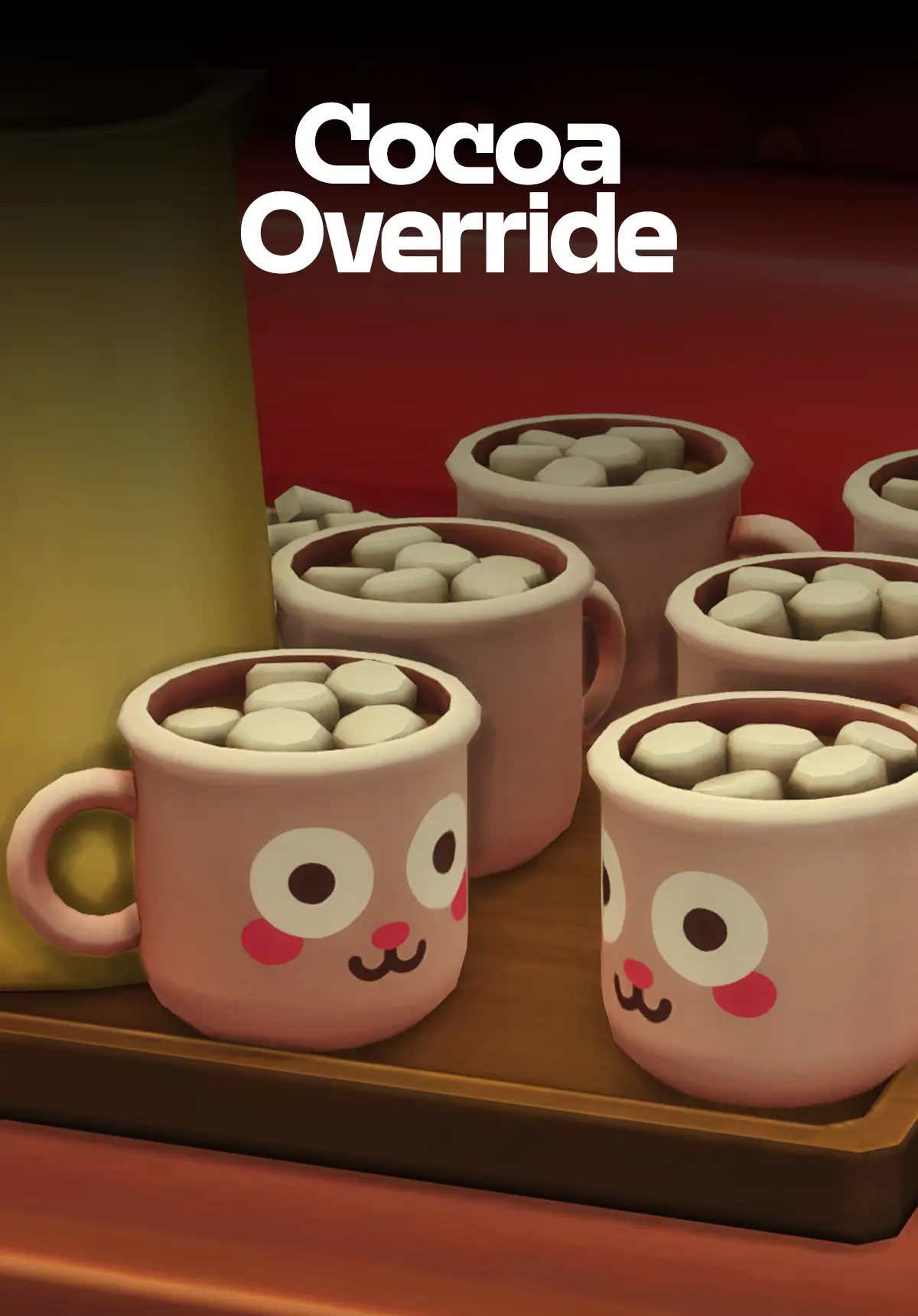
This free Sims 4 CC override replaces the classic mug from the base game Hot Cocoa Tray with a Freezer Bunny Mug design inspired by The Sims Shop. If you want your Sims’ cozy moments to feel a little more personal, this small detail makes a big difference.
The Freezer Bunny Mug override is Maxis Match Sims 4 cc that blends seamlessly with your existing game without replacing the full object. It’s a simple, lightweight swap that adds charm to any kitchen, cafe, or cozy corner build.
What Is a Sims 4 Override?
Sims 4 overrides are a type of cc sims 4 players use to replace existing in-game assets without removing the original object. Instead of adding a brand new item to your catalog, an override swaps out a texture, mesh, or design on something already in the game. This makes them smaller in file size and easier to manage than standard custom content.
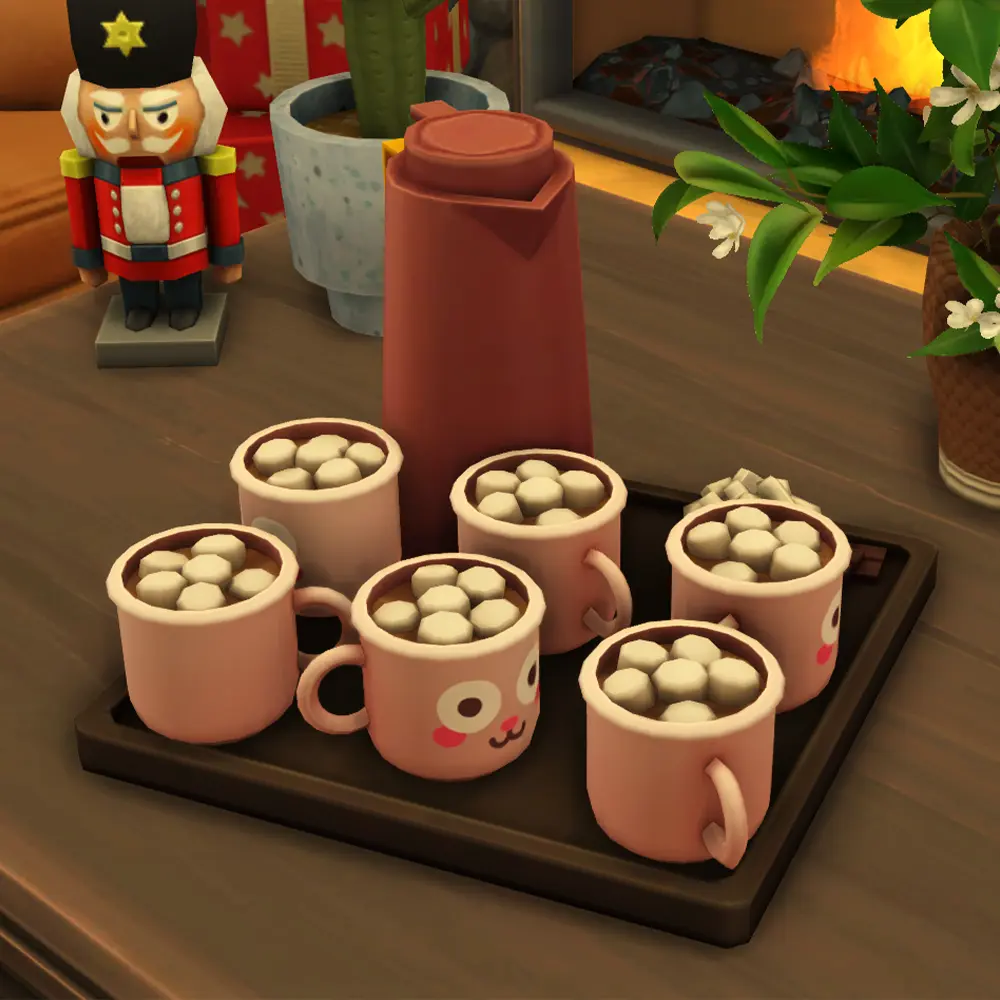
This Freezer Bunny Mug override is a great example of how sims 4 overrides work: the Hot Cocoa Tray still functions exactly the same in gameplay, but the mug now features the beloved Freezer Bunny design.
About This CC
- Type: Override (replaces the mug from the Hot Cocoa Tray)
- Style: Maxis Match
- Base Game Compatible: Yes, no expansion pack required
- Design Inspiration: Freezer Bunny Mug from The Sims Shop
Why Download This Override?
Simmers who love storytelling, gameplay screenshots, or cozy interior builds will appreciate this kind of detail-focused sims 4 maxis match cc. The Freezer Bunny is one of The Sims’ most iconic mascots, and seeing it on your Sim’s cocoa mug is a small but satisfying nod to the series’ history.
Whether you’re decorating a cafe, a home kitchen, or a holiday scene, this override fits right in with any Maxis Match cc sims 4 collection.

How to Install Sims 4 CC Overrides
- Download the file using the button below
- Place the
.packagefile in your Sims 4 Mods folder:Documents > Electronic Arts > The Sims 4 > Mods - Make sure mods and custom content are enabled in your game settings
- Launch the game and enjoy your Freezer Bunny cocoa moment
Need help installing sims 4 cc? Check out the SixamCC help guide for step-by-step instructions.
Frequently Asked Questions
Is this Sims 4 cc free to download? Yes. This is free sims 4 cc with no Patreon gate or early access wall.
Does this override require any expansion packs? No. The Hot Cocoa Tray is a base game object, so this override works without any additional packs.
Will this conflict with other Sims 4 overrides? It may conflict with other mods that alter the Hot Cocoa Tray’s mug. Only use one override for the same object at a time.
Is this Maxis Match? Yes. This is sims 4 maxis match cc designed to match the game’s original art style.
Download this free Sims 4 cc override below and give your Sims’ cocoa corner the Freezer Bunny upgrade it deserves.