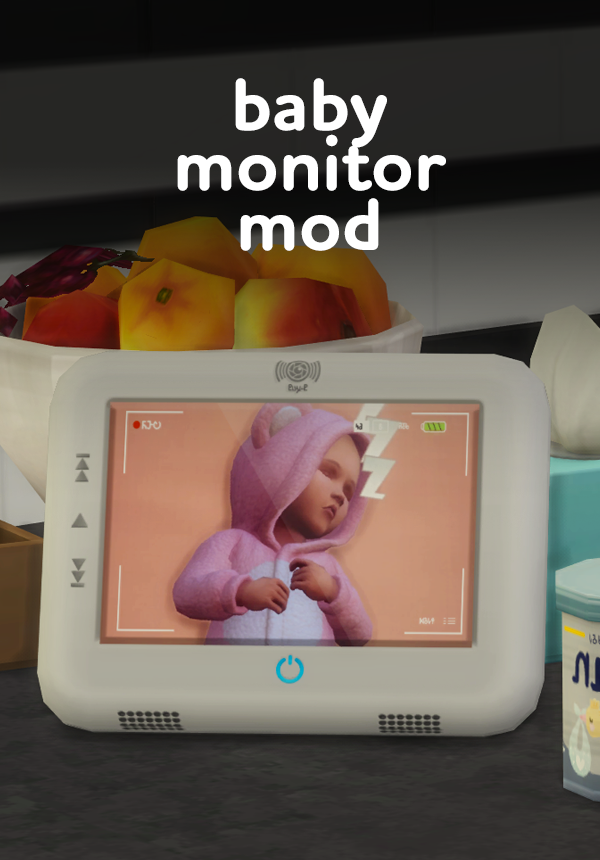
This Sims 4 Mod started as a small clutter idea inside the Stylish-Wood Dreamy Nursery CC Pack, a decorative camera and monitor set, and it has since grown into something your Sims can actually use.
The camera itself is not a live camera, it will not track your Sim’s baby in real time. What is functional is the monitor screen. There are two versions to choose from, so you can pick whichever fits your play style.
The first version works like an electronic portrait. You can assign your own baby’s photo to the screen, so it looks like your Sim is watching their little one through the monitor, using the same custom picture you have saved for your family.
The second version comes with a set of default photos already built in. If you would rather skip uploading your own images, just pick whichever default picture feels the closest to your family and you are ready to go.
What you need for this Sims 4 Mod:
- Stylish-Wood Dreamy Nursery CC Pack (Optional)
- The Sims 4 Moschino Stuff Pack (required only for the electronic portrait version of the screen, where you assign your own baby photo)
- The default photo version of the screen is base game compatible
Thank you for all the love on this little nursery detail. This started as a patron request and turned into one of my favorite pieces of clutter to make.
How to Download the Functional Baby Monitor Sims 4 Mod
This Sims 4 Mod is free to download.
Download now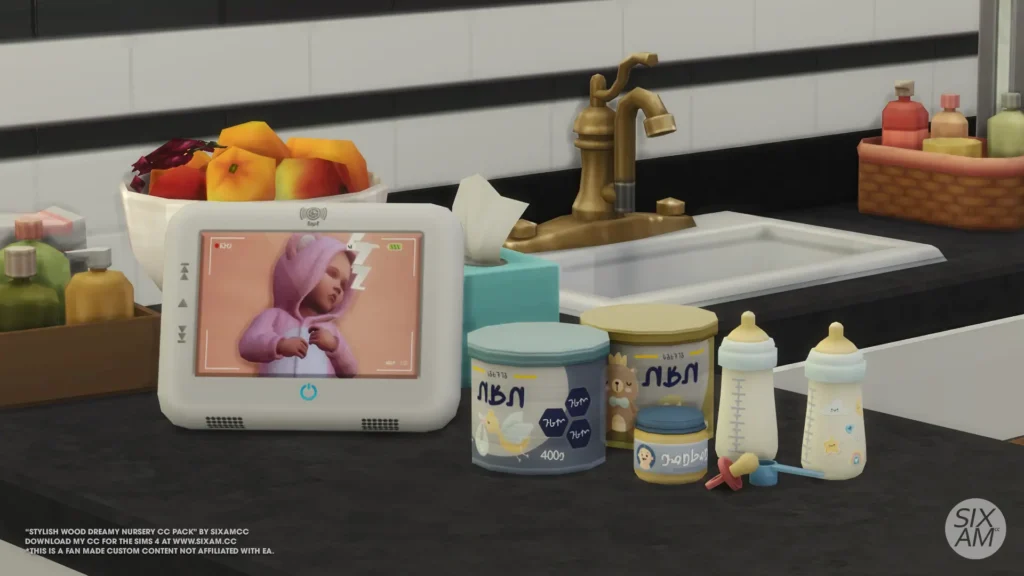
Where to Find More Free Sims 4 CC Packs
All of my free Sims 4 CC is available in the CC Packs section of the site, with new packs added regularly. The full Stylish-Wood series has every part of the collection in one place, and the Nursery room page rounds up all my nursery-themed CC. The SixamCC blog covers new releases, updates, and build ideas as they happen.
You can also follow along on Instagram and TikTok for previews and first looks. If you build a nursery using this pack, the Builds section is always open for community lots. You can check whether this pack is currently up to date on the downloads status page, and if your game has recently updated, the Sims 4 update day steps guide walks you through everything to check after a new patch.